


In today’s hyper-connected world, productivity often feels like a race fueled by apps, notifications, and endless to-do lists. Ironically, the more tools we use, the less focused we become. That’s where minimalist workflows come in.
Minimalist workflows are not about doing less work — they are about doing less unnecessary work. They help you eliminate noise, streamline decisions, and focus only on high-impact actions. The result? More output, less stress, and sustainable productivity.
In this expert guide, we’ll break down:
- What minimalist workflows really mean
- Why they outperform complex systems
- How to build your own minimalist workflow
- Real-world strategies used by high performers
- Common mistakes to avoid
- FAQs to help you implement immediately
What Are Minimalist Workflows?
A minimalist workflow is a simplified system designed to:
- Reduce friction
- Eliminate non-essential tasks
- Minimize tools and distractions
- Focus on high-value activities
Instead of managing 10 productivity apps, you may only use one. Instead of a 30-task to-do list, you focus on the top 3 priorities.
The principle is simple:
Clarity creates momentum. Complexity creates resistance.
Minimalism in workflows isn’t laziness. It’s intentional design.
Why Complex Systems Kill Productivity
Most professionals fall into this trap:
- More apps = more control
- More planning = more success
- More meetings = better collaboration
But research and experience show the opposite.
Complex systems create:
- Decision fatigue
- Tool fatigue
- Context switching
- Delayed execution
Every additional tool or process adds cognitive load. Over time, this slows execution speed.
Minimalist workflows reduce that load, allowing you to operate at peak performance.
The 5 Core Principles of Minimalist Workflows
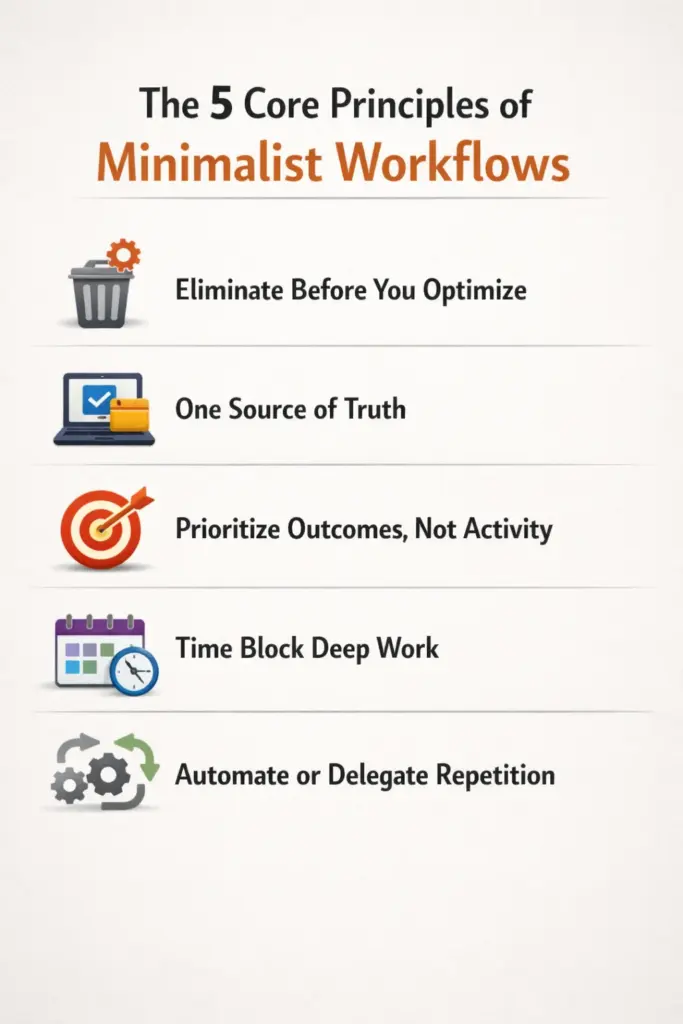
1. Eliminate Before You Optimize
Before improving a process, ask:
- Can this be removed entirely?
- Is this task necessary?
- Does this contribute to results?
Most productivity gains come from elimination, not optimization.
2. One Source of Truth
Scattered information kills efficiency.
Use:
- One primary task manager
- One calendar
- One communication channel per purpose
When everything lives in one ecosystem, your brain relaxes.
3. Prioritize Outcomes, Not Activity
Being busy is not the same as being productive.
Instead of tracking hours worked, track:
- Projects completed
- Revenue generated
- Clients served
- Skills improved
Minimalist workflows focus on impact metrics.
4. Time Block Deep Work
Multitasking is the enemy of minimalism.
Block uninterrupted time for:
- Writing
- Strategy
- Learning
- High-value tasks
Remove notifications. Close unnecessary tabs. Protect your focus.
5. Automate or Delegate Repetition
If you repeat a task weekly, automate it.
Examples:
- Email templates
- Invoicing systems
- Social media scheduling
- CRM automations
The less manual repetition, the more mental clarity.
How to Build Your Minimalist Workflow (Step-by-Step)

Step 1: Audit Your Current System
Write down:
- All tools you use
- All recurring tasks
- All meetings
- All daily activities
Then highlight:
- What produces real results
- What feels draining
- What could be removed
This clarity is powerful.
Step 2: Reduce Tools by 50%
If you use:
- 3 task apps → keep 1
- 4 note apps → keep 1
- Multiple chat tools → consolidate
Less switching = more flow.
Step 3: The Rule of 3
Each day, focus on:
- 3 high-priority tasks
If completed, the day is successful.
Everything else is optional or secondary.
Step 4: Simplify Your Task List
Avoid long to-do lists.
Instead:
- Maintain a master list (brain dump)
- Pull only 3–5 items daily
- Complete before adding more
Short lists create psychological momentum.
Step 5: Weekly Reset Ritual
Every week:
- Review goals
- Clear inbox
- Remove unnecessary tasks
- Plan top priorities
This prevents system clutter from creeping back.
Real-World Examples of Minimalist Workflows
Freelancers
- One CRM
- One invoicing tool
- Calendar-based scheduling
- 3 daily deliverables
Result: Faster turnaround and reduced overwhelm.
Startup Founders
- Daily top 3 priorities
- One internal communication tool
- Automated onboarding systems
- Clear KPI dashboard
Result: Focused growth instead of operational chaos.
Content Creators
- Batch content creation
- Template-driven editing
- Pre-scheduled publishing
- Weekly analytics review
Result: Consistent output without burnout.
Psychological Benefits of Minimalist Workflows
Minimalist systems do more than improve output.
They:
- Reduce anxiety
- Improve decision-making
- Increase confidence
- Improve sleep
- Enhance long-term consistency
When your workflow is simple, your mind becomes calm.
Clarity breeds creativity.
Common Mistakes to Avoid
1. Over-Minimizing
Minimalism doesn’t mean removing essential structure.
It means removing unnecessary structure.
2. Constantly Switching Systems
Ironically, searching for the “perfect” system creates complexity.
Commit to one simple structure for at least 30 days.
3. Confusing Minimalism with Laziness
Minimalist workflows still demand discipline.
They just remove unnecessary noise.
Minimalist Workflow Tools (Optional, Not Required)
While tools aren’t mandatory, here are minimal categories:
- One task manager
- One calendar
- One cloud storage
- One communication platform
Remember: The tool doesn’t create productivity. The system does.
Long-Term Impact of Minimalist Workflows
Over time, minimalist systems create:
- Faster execution speed
- Higher-quality decisions
- Reduced mental clutter
- Sustainable productivity
- Clear business growth pathways
Minimalism compounds.
Every removed distraction multiplies focus.
Frequently Asked Questions (FAQ)
1. What is a minimalist workflow?
A minimalist workflow is a simplified system that removes unnecessary tools, tasks, and processes to focus only on high-impact work.
2. How does minimalism improve productivity?
It reduces decision fatigue, eliminates distractions, and allows deeper focus on important tasks.
3. Can minimalist workflows work for teams?
Yes. Teams benefit from clear communication channels, defined priorities, and simplified processes.
4. How many tasks should I focus on daily?
Ideally, 3 high-priority tasks per day. This maintains focus and momentum.
5. Do I need special productivity apps?
No. Minimalist workflows rely on principles, not tools. One simple task manager is enough.
6. Is minimalist workflow suitable for entrepreneurs?
Absolutely. Entrepreneurs benefit greatly because it prevents operational overload and increases strategic clarity.
7. How long does it take to see results?
Most people notice improved focus and reduced stress within 1–2 weeks of implementing minimalist principles.
